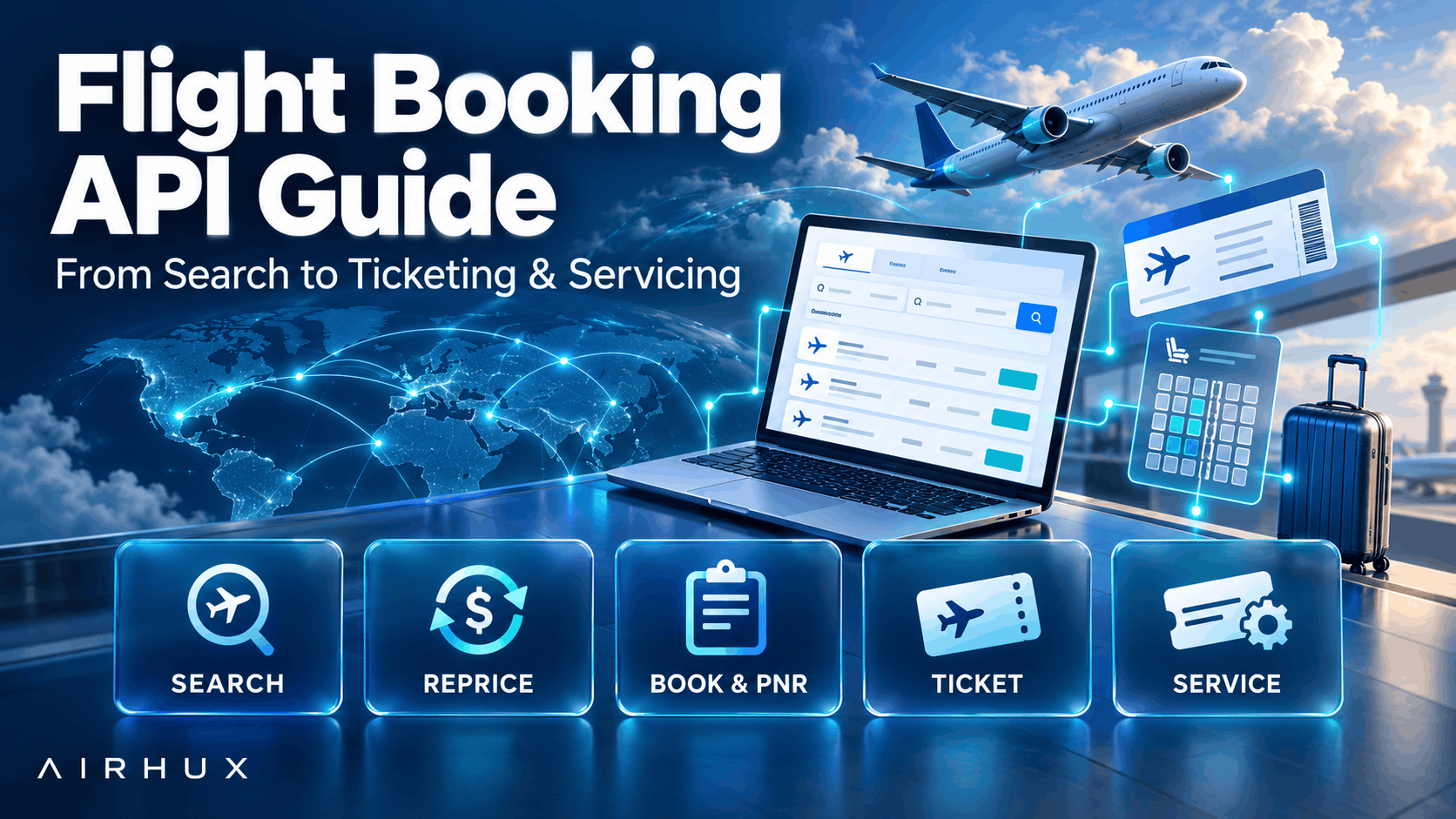
A flight booking API lets your website, app or back office search airline content, price an offer, create a booking and issue a ticket through code rather than a manual terminal. It is what turns a travel website into a working online travel agency.
The basic calls look simple, but the hard parts are in the details: offers that expire, prices that change between search and payment, bookings whose outcome is unknown, and servicing after the ticket is issued. This guide walks through each stage so your team knows what to plan for before writing the first line of integration code.
1. Search
Search is the call your customers trigger most. It takes an origin, destination, dates, passenger counts and cabin, and returns a list of offers.
- Validate inputs before calling the API: valid airport codes, dates in the future, and sensible passenger mixes such as no more infants than adults.
- Use the traveler's local calendar dates, not dates converted to another time zone, to avoid searching the wrong day.
- Expect results from several content sources, such as GDS and NDC, with different structures that you will need to normalize.
- Show what each fare includes, such as bags and change rules, so customers compare fairly.
2. Pricing and Repricing
The price in search results is not a guarantee. Before booking, you reprice the chosen offer to confirm it is still available at that price.
- Reprice when the customer selects a flight and again before final booking if time has passed.
- Handle price changes clearly: tell the customer and ask them to accept the new price instead of charging silently.
- Keep the full price breakdown: base fare, taxes, airline fees and any extras.
- Apply your own markups and fees consistently after the supplier price, and never show the supplier net price to customers.
3. Caching and Offer Expiry
Search is expensive and slow, so most integrations cache results. Caching needs care.
- Cache shared search results for a short time to speed up popular routes.
- Remember that offer identifiers may only be valid within the session that produced them, so keep a per-user session for details and booking calls.
- Offers expire. Track how long each one is valid and send the customer back to search when it lapses.
- Do not let a partial or filtered search overwrite a full cached result.
4. Booking and the PNR
Booking creates a reservation with the airline, usually stored as a PNR (passenger name record) or, on NDC, an airline order.
- Collect traveler names exactly as on passports, along with date of birth and travel document details where required.
- Validate contact details so the airline and your team can reach the traveler.
- Protect against double booking: allow only one confirm attempt at a time for each order.
- Never retry a booking call blindly after a timeout, because the first attempt may have succeeded.
The safest money order is: authorize the payment, create the booking, then capture the payment. If the booking is refused, release the authorization.
5. Ticketing
A booking holds seats; a ticket is what lets the traveler fly. Ticketing rules vary by content source.
- On GDS content, the agency or its ticketing partner issues the ticket, and not every agency can issue on every airline.
- On NDC, the airline often issues the ticket as part of the order.
- Fares have a last ticketing date. A booking held past it will be cancelled by the airline.
- Build a retry and alert process for tickets that fail to issue, so a paid customer is never left without a ticket.
Our article on GDS vs NDC explains these differences in more depth.
6. Ancillaries and Seat Maps
Extras add revenue and improve the trip.
- Bags: show the included allowance and the price of extra bags per passenger and per flight.
- Branded fares: show the fare families available for a flight, each with its inclusions.
- Seat maps: retrieve the seat map per flight, show which seats are free or paid, and confirm the chosen seats at booking.
Be prepared for an extra to fail even when the flight books. Your flow should tell the customer clearly and never charge for an extra the airline did not confirm.
7. Servicing After Booking
Servicing is often a larger share of the work than booking itself.
- Retrieve: read the current state of a booking to confirm tickets, segments and status.
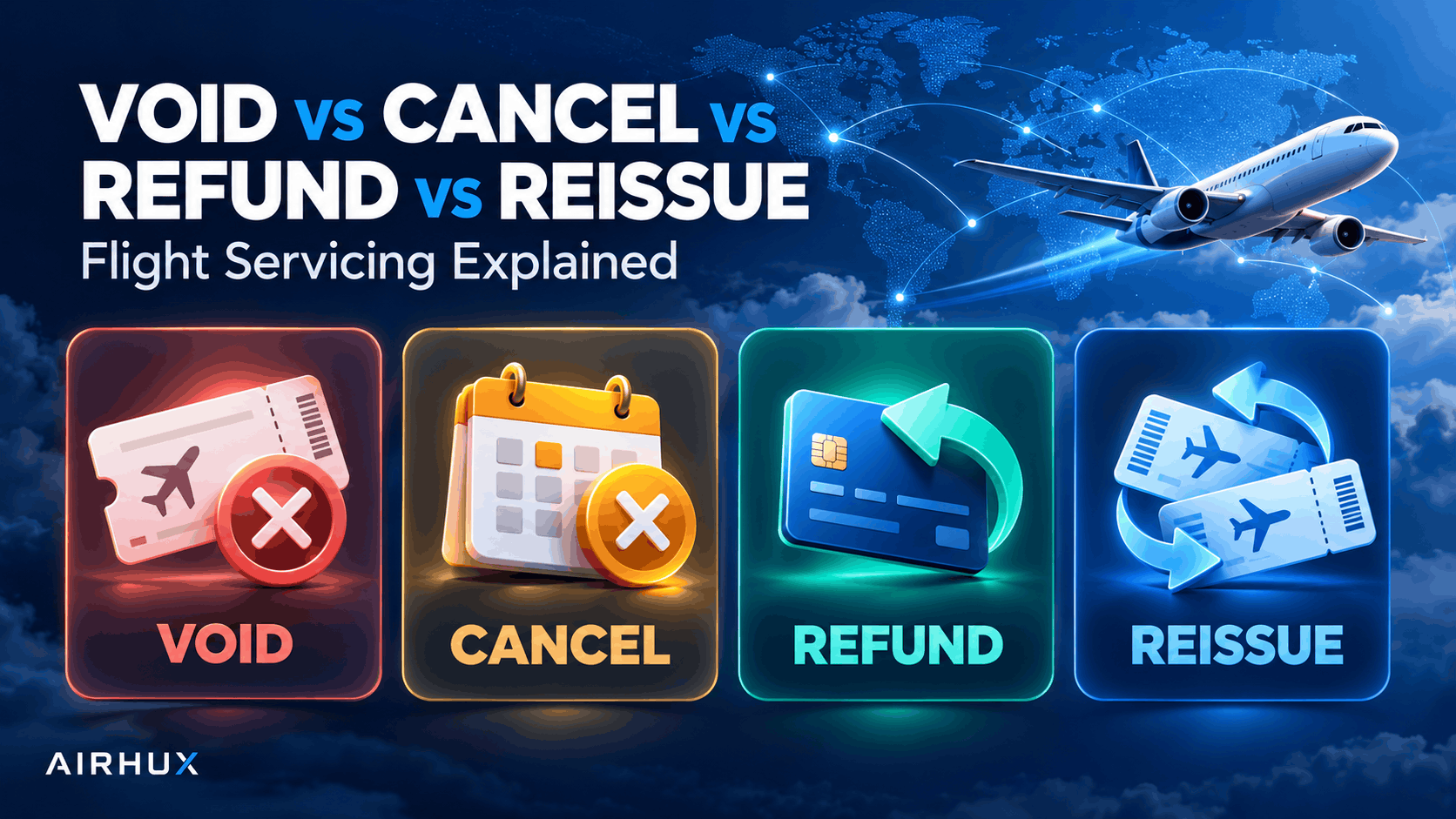
- Cancel and void: cancel unticketed bookings; void tickets within the allowed window.
- Refunds: calculate what the airline will return under the fare rules and process the refund through the right channel.
- Changes: reprice and reissue for date changes, or route the request to staff where automation is not available.
- Schedule changes: watch for airline changes and contact affected travelers.
8. Error Handling
Flight APIs return many kinds of errors. Treat them by category.
- Definite refusals: a clear supplier error saying the booking was not made. Release the payment and inform the customer.
- Unknown outcomes: timeouts, network failures and server errors. The booking may exist. Hold the payment, flag the order for staff, and check the supplier before doing anything else.
- Price or availability changes: return the customer to choose again.
- Validation errors: fix the input and explain the problem in plain language.
Log every exchange with the supplier, with credentials and personal data removed, so you can investigate problems later.
9. Testing, Production and Certification
Suppliers usually provide a test environment that behaves differently from production. Test prices, airlines and responses may not match real traffic.
- Build automated tests for every stage, including the failure paths.
- Expect the supplier to review or certify your integration before granting production access.
- Keep test and production credentials separate, and never point a test configuration at live bookings.
- Launch with careful monitoring and a small number of bookings before opening fully.
Common Mistakes to Avoid
- Charging the customer before the booking is confirmed.
- Retrying a booking call after a timeout and creating a duplicate.
- Treating search prices as final without repricing.
- Caching offers longer than they remain valid.
- Ignoring ticketing deadlines on held bookings.
- Showing fares your agency cannot ticket.
- Leaving servicing to be built "later".
Frequently Asked Questions
What is a flight booking API?
It is a programming interface that lets your software search flights, price offers, create bookings and issue tickets with airline content. It replaces manual booking with automated calls from your website, app or back office.
How long does a flight API integration take?
It depends on scope. Search and booking can be built relatively quickly, while ticketing, servicing, payments and certification take considerably longer. Plan for the full lifecycle, not just search.
Do I need both GDS and NDC content?
Many agencies do, because some fares and extras appear in only one channel. An API that combines both saves you from integrating each source separately.
Can I use a flight booking API without building my own website?
Yes, if you choose a white-label platform instead. See our white label travel booking platform guide to compare the two approaches.
How Airhux Can Help
Airhux offers a Flight Booking API that gives partners the same flight content used by the Airhux Travel SaaS Platform, including GDS and airline NDC content. Agencies that prefer a ready-made solution can use the white-label platform instead, with a branded storefront, B2C and B2B channels and an admin to service bookings.
If you are planning an integration or need custom development around flight content, start your project and tell us what you are building.
- flight booking API
- flight search API
- airline booking API
- flight API integration
- flight API for travel agency
- PNR API
- flight ticketing API
- NDC API